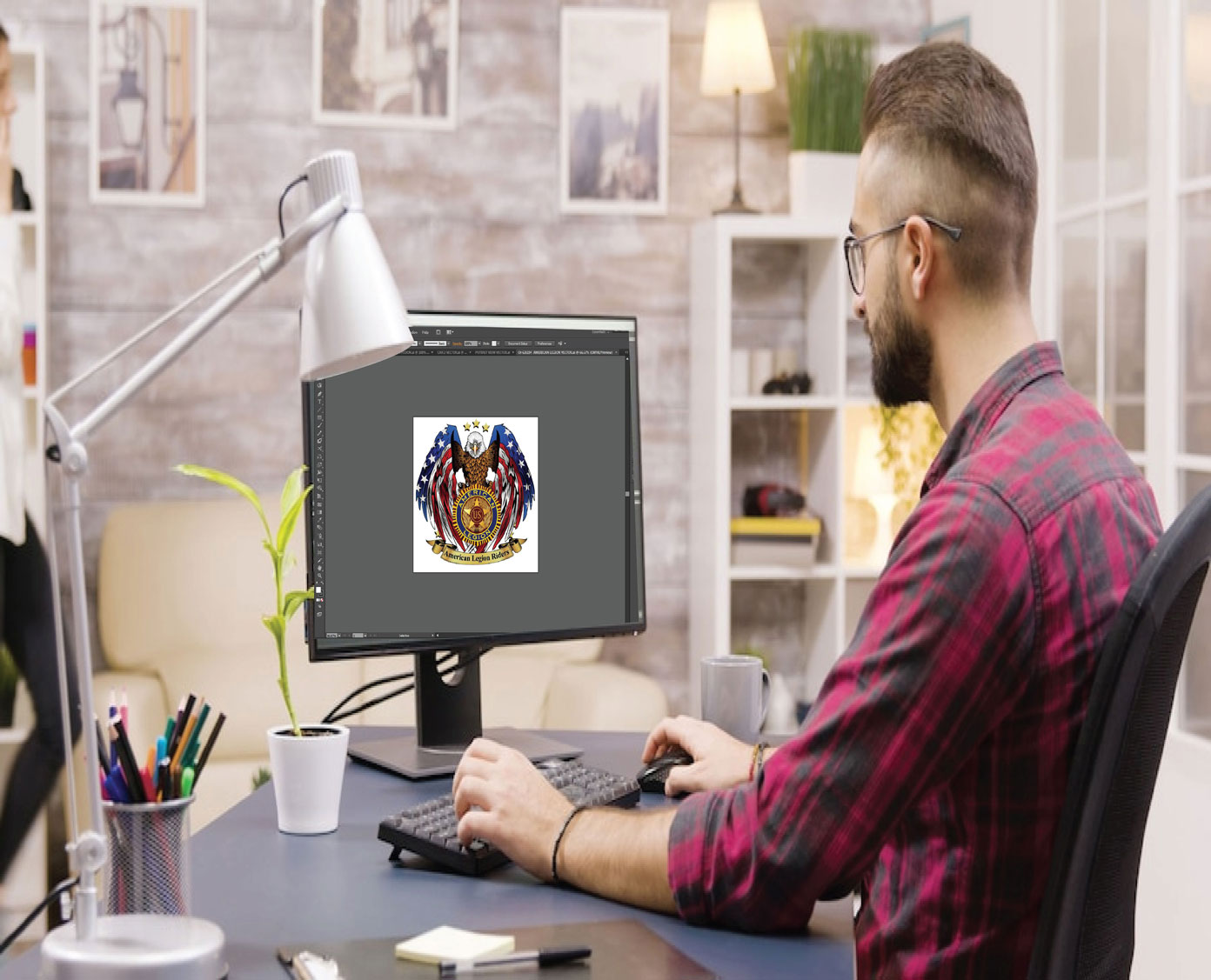
You have an image on your screen. Maybe it is a logo for a client, a floral design you love, or a sketch you made. You want to see it stitched out on fabric. But your embroidery machine does not understand pixels. It understands stitches. Getting from that flat image to a machine-ready file is the magic of digitizing. And whether you are just starting out or running a professional shop, you need the right tools. Finding the best software to convert image to embroidery file free or for a reasonable cost is the first step on your embroidery journey.
The world of embroidery digitizing software is bigger and more varied than ever. You have powerful free options, mid-range tools for small businesses, and professional suites that cost thousands. Each serves a different purpose. This guide walks you through the best choices so you can pick the right tool for your skill level and budget.
What Exactly Is Embroidery Digitizing?
Let us get one thing straight right away. Embroidery digitizing is not the same as converting a Word doc to a PDF. It is an art form. The software takes your image and creates a map of stitches. It decides where the needle goes first, what type of stitch to use, how dense the stitching should be, and where to trim the thread .
A good digitizing program handles all those decisions automatically to some extent. But the best results come from software that also lets you tweak every single parameter manually. This is why choosing the right tool matters so much.
For Beginners: Free and Low-Cost Options
If you are just starting out or working with a tight budget, these tools give you a solid foundation without breaking the bank.
Ink/Stitch (Free)
If you want professional-level capability without spending a dime, Ink/Stitch is your answer. This free plugin works inside Inkscape, which is also free. Together, they create a digitizing and conversion studio that rivals paid software .
Ink/Stitch supports over 25 embroidery formats, including PES, DST, JEF, EXP, and VP3 . You can import an image, trace it manually or use auto-trace tools, assign stitch types, and export to your machine’s format. The software runs on Windows, Mac, and Linux, so no one gets left out .
The learning curve is real. Inkscape takes time to understand. But the payoff is huge. You get manual control over stitch types, density, underlay, and pull compensation . For hobbyists who want precision without paying, Ink/Stitch is the gold standard.
My Editor (Free)
Sometimes you just need a quick conversion without the steep learning curve. My Editor fits that bill perfectly. This free software lets you view, edit, and convert embroidery files with a clean, simple interface .
You can open designs, resize them, rotate elements, and change colors. The 3D preview shows you exactly how the stitches will look on fabric . When you are ready, export to multiple machine formats including PES, DST, and JEF.
My Editor works best for existing designs that need minor tweaks or format changes. It does not create new designs from scratch, but for conversion duties, it handles the job efficiently.
StitchBuddy HD (Free Trial, Paid Upgrade)
Mac users have historically struggled to find embroidery software. Most programs are Windows-only. StitchBuddy HD solves this problem beautifully.
StitchBuddy HD is an embroidery file editor and converter that runs natively on Mac, iPhone, and iPad . You can view, edit, and convert designs on your Apple devices. The app supports a huge range of formats including PES, DST, JEF, EXP, VP3, and many others .
The free version limits saving to 1,000 stitches, which is perfect for testing. If you need more, the in-app purchase unlocks full functionality . For Mac users who want a native solution without running Windows emulation, StitchBuddy HD is a game-changer.
Bernina Artlink (Free)
Bernina offers ArtLink as a free download for all embroiderers, not just Bernina owners. This software focuses on editing and converting existing designs rather than creating new ones from scratch .
You can resize designs, change thread colors, and convert between formats. ArtLink supports various embroidery file types, making it useful for basic conversion tasks. The interface is simple and approachable, perfect for beginners who feel intimidated by complex software.
TrueSizer Web (Free Online)
Wilcom TrueSizer Web is a completely free online tool that requires no download. You upload embroidery files, view them, resize them, and convert them to different formats .
TrueSizer maintains stitch density when you resize, preventing the quality loss that plagues many free converters. You can rotate designs, change colors, and export in formats like PES, DST, and EXP.
Because it runs in a browser, TrueSizer works on any device with internet access. Mac users who struggle with Windows-only software appreciate this option.
For Serious Hobbyists and Small Businesses
Once you outgrow free tools, these mid-range options offer professional features at friendlier prices.
Hatch Embroidery by Wilcom
Hatch Embroidery is designed for small businesses and serious hobbyists who want professional results without the enterprise price tag. It includes powerful auto-digitizing, photorealistic previews, and multi-hooping tools .
The 2026 version introduced Multi Blend, which seamlessly blends stitch types and colors across multiple layers . This is the kind of feature that used to require years of experience to execute manually.
The interface is more approachable than full Wilcom, and it runs natively on both Windows and Mac . Prices range from $200 to $1,000 depending on the version . For small business owners who digitize regularly, Hatch hits the sweet spot of capability and cost.
Embrilliance
Embrilliance takes a modular approach. You buy the base platform, then add modules as you need them . This keeps the initial cost low while letting you expand over time.
The base Essentials module lets you combine designs, add lettering, and resize elements. The StitchArtist modules add full digitizing capabilities. The Thumbnailer module creates preview images for organization. You build exactly the toolset you need.
Embrilliance runs natively on Mac, which is rare in the embroidery world. The full suite remains under $500 with a lifetime license . It is popular among hobbyists who want professional tools without the sticker shock.
Janome Digitizer MBX
If you own a Janome machine, Digitizer MBX is worth considering. It works with both PC and Mac, letting you create original designs or edit existing ones . It includes auto-digitizing features and supports multiple formats including JEF.
The software integrates well with Janome machines and includes tools specifically designed for the Janome workflow. For Janome owners who want an official solution, this is a solid choice.
For Professionals and High-Volume Production
If you are a professional digitizer or run a commercial embroidery shop, these enterprise-level tools deliver the power and precision you need.
Wilcom EmbroideryStudio
If you ask any professional digitizer what software they use, the answer is almost always Wilcom. Wilcom EmbroideryStudio is the industry leader for a reason .
EmbroideryStudio 2026 introduced tools like Multi Blend, precision grids, continue digitizing for uninterrupted workflow, and TrueView simulation that shows you exactly how the design will look on fabric . It supports every machine format imaginable and offers the deepest feature set available.
This is software for commercial shops, large-scale production, and digitizers who need absolute control over every stitch. It also comes with a price tag to match, often starting over $3,000 . For most home users, it is overkill. But for businesses that digitize in-house daily, it is an investment that pays for itself.
Pulse Ambassador / Tajima DG/ML by Pulse
Pulse software is the standard in many commercial shops, especially those with Tajima machines. It offers professional-grade digitizing tools and supports the PXF format for editable masters .
The software includes advanced features for complex designs, lettering, and photo stitch conversion. It is built for high-volume production environments where reliability and precision are non-negotiable.
The Professional Shortcut: Outsourcing
Here is an honest truth that many embroiderers learn the hard way. Buying software does not automatically make you a digitizer. Learning to digitize well takes years of practice. You have to understand how different fabrics behave, how to compensate for pull, how to set underlay, and how to sequence colors efficiently .
If you run a business with client deadlines, the smartest move is often to outsource your digitizing entirely . Professional services like Absolute Digitizing employ experienced digitizers who manually create stitch files optimized for your machine .
For around $10 to $15 per design, you get a file that is tested and guaranteed to stitch perfectly . You save the cost of software, the hours of learning, and the frustration of ruined garments. For many embroidery businesses, this is the ideal workflow. They do small edits in-house with Hatch or Embrilliance and outsource the complex logos to professionals.
What Auto-Digitizing Can and Cannot Do
Most modern software includes auto-digitizing features. You click a button, and the software tries to convert your image into stitches automatically. This sounds like magic, and for simple designs, it actually works pretty well.
But auto-digitizing has limits . The algorithms work best on straightforward graphics with bold shapes and limited colors. They struggle with complex imagery, gradients, and fine details. Common problems include overly dense stitching that puckers the fabric, skewed proportions from poor pull compensation, and gaps between stitch regions .
Think of auto-digitizing as a starting point, not a finished product. Even the best software needs manual tweaking to produce professional results.
Key Features to Look For
When comparing software, keep an eye on these features.
Format compatibility is crucial. Your software must export files your machine reads, whether that is PES for Brother, JEF for Janome, EXP for Bernina, or DST for commercial machines .
Stitch editing tools let you adjust density, underlay, and pull compensation. This separates real digitizing software from simple converters.
Hoop preview shows you how the design fits in your hoop before you stitch . This saves fabric and time.
Auto-digitizing is nice to have, but do not rely on it exclusively for complex work.
Tutorials and community support matter, especially for beginners. Ink/Stitch thrives on community knowledge. Wilcom and Hatch offer professional training resources .
Which Software Is Right for You?
Your choice depends on your goals.
If you are a hobbyist with time to learn and a tight budget, start with Ink/Stitch. The learning curve is real, but you gain skills that serve you forever .
If you are a Mac user who wants native software, Embrilliance or StitchBuddy HD are your best bets .
If you run a small business doing frequent edits, Hatch or Embrilliance hit the sweet spot of capability and cost .
If you are a professional digitizer or large production shop, Wilcom EmbroideryStudio is the industry standard .
If you need quick, reliable results without the learning curve, professional digitizing services deliver guaranteed quality for a modest fee .
Conclusion
The best embroidery digitizing software depends entirely on your situation. Beginners can start with free tools like Ink/Stitch and upgrade as skills grow. Small businesses thrive with mid-range options like Hatch and Embrilliance. Professionals demand the power of Wilcom EmbroideryStudio. And anyone who needs quality without the learning curve can outsource to professional services.
Whichever path you choose, remember that the software is just a tool. The real magic happens when you understand how stitches behave on fabric. That knowledge takes time. Be patient, test everything on scrap material, and keep learning.
Your embroidery machine is capable of beautiful work when you feed it the right files. With the right software and skills, you can turn any image into stunning thread art.
Author

john@gmail.com
Related Posts
Benefits and Features of Corteiz Cargo Products
When it comes to outdoor adventures, comfort and durability are key. That’s where Corteiz cargo products step into the spotlight. Whether you’re...
Read out all
Why You Should Order from Labubu Official Store
When it comes to unique collectibles and delightful gift options, Labubu stands out. With a vibrant collection that appeals to both young...
Read out all
Fast shipping and reliable Trapstar customer service
In the fast-paced world of e-commerce, speed and reliability have become non-negotiable. Whether you’re hunting for the latest streetwear or that perfect...
Read out all
Why Choose Labubu Online Store for Your Next Shopping Poland
Welcome to the world of Labubu Online Store, where shopping becomes an exciting adventure! If you’re on the hunt for unique products...
Read out all
Unique Features and Services Offered by Geedup
Welcome to the vibrant world of Geedup, where fashion meets creativity and innovation. If you think clothing is just about style, think...
Read out all
Why Corteiz Clothing Customer Brand is the Best Choice
When it comes to fashion, finding a brand that resonates with your style and values can be quite the challenge. Enter Corteiz...
Read out all